How to Remove The Ads In Gmail ?

Issue

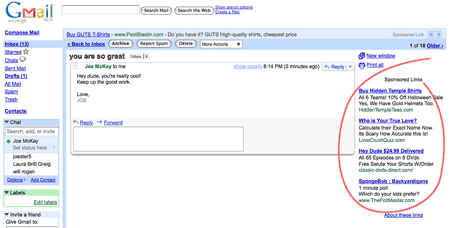
I find the text ads in GMail to be annoying and I want to remove it! I’m using IE at home! I want to know if it is possible to remove this Ads?

Solution

  • Open up Notepad and save this as gmail.css:

Code:
.rh {display: none;}

  • In IE go to Tools > Internet Options > Click on Accessibility in the bottom-right
  • While in Accessibility, check “Format documents using my style sheet” and browse to where you saved gmail.css
  • Restart browser.

Gmail Email: Get Started !

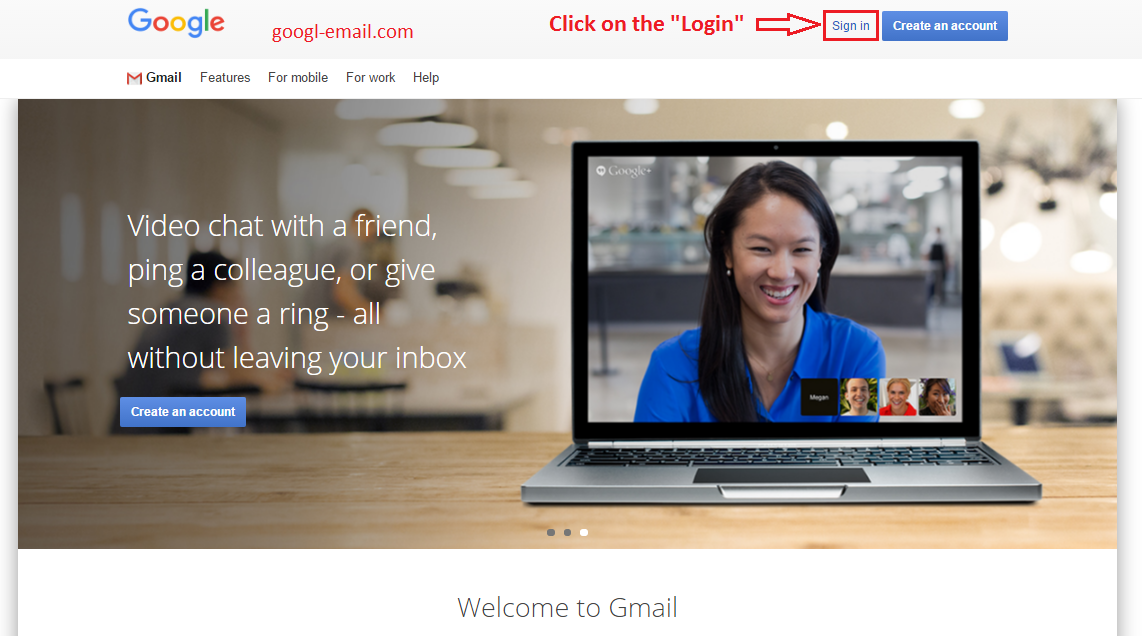
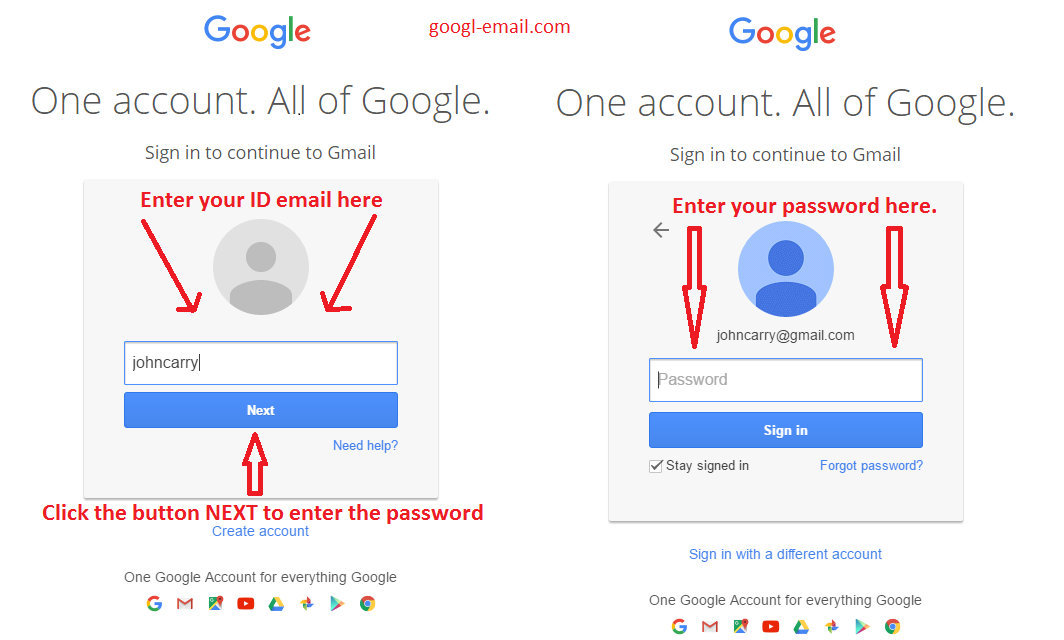
  1. First of all, you toned to create an account and log into gmail.com.  (Here are tutorials for create gmail account or gmail sign in ). After logged in, your  inbox will be presented.
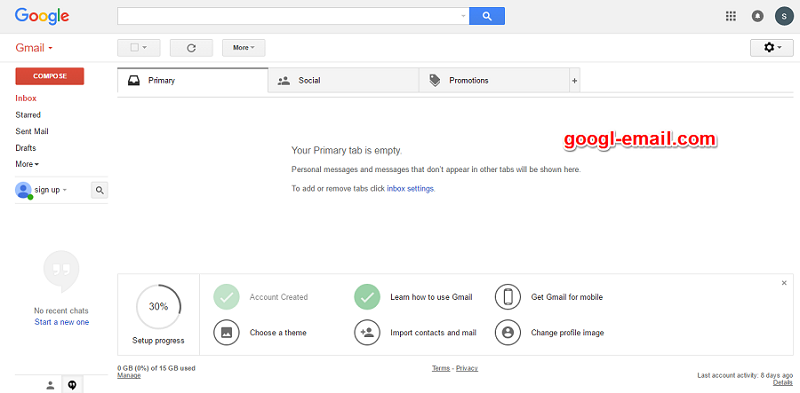
  2. Check out the categories in your inbox.The Gmail interface is consisted of “tabs”, which devideds inbox into specific categories. There are  the primary tab, the social tab and the promotions tab (not including custom ones you might create yourself). Learn more: Organize your emails with tabs
  3. Choose a theme for your inbox
    Check out our guide on how change your Gmail inbox theme, pick a custom theme shared by others, or share your own theme. Learn more : How to change your Gmail background theme
  4. Find your emails. With efficient searching engines, Gmail lets you find emails precisely and fast.
  5. Organize your emails with labels. Gmail users may be confused by the labeling feature it provides. Labeling does not function as a a folder, even though sometimes it could be used as a folder. Because you can attach multiple labels in a single conversation, you have far more options. Learn more: Organize your emails with labels
  6. Open & download attachments. In my e-mail inbox there are documents and photos from my friends. How to open/download them using in gmail?
  7. Undo sending a message. The Undo feature is heading out of the Labs (Google’s opt-in, add-on, experimental features for Gmail) and will be an option for all Gmail users (via Web, at least).
  8. Manage incoming emails. Filter your inbox emails like automatically label by creating rules.
  9. Making a video call. Making a video call on GMail and Google +. You can video call with them from your inbox account by hovering over their name and clicking Video call
  10. Sign in to multiple accounts at once. If you use multiple accounts, you can check all your emails in Gmail. Just adding multiple accounts to Gmail. Learn more : Sign in to multiple accounts at once

Google Mail

Gmail, an abbreviation for “Google mail” is a free, Web-based email service, similar to Yahoo Mail or Hotmail that is part of Google’s larger suite of Web services. Gmail provides its users 15 gigabytes of free storage. Gmail was first introduced by Google in 2004 and then limited test accounts were made available in 2005. According to Statista, Google’s Gmail service has had 900 million active users worldwide (Jan-May, 2015).


Gmail has been increasing in popularity since 2004 with the decline of Yahoo!, AOL, and Hotmail, more and more people are moving to Google’s services.
In the past, having a free account made home businesses look unprofessional, but Gmail is different and why many entrepreneurs have switched or include Gmail as one of their email providers.

Gmail Features

What helps make Gmail unique is the ability to store several gigabytes of e-mail data, which means most users don’t have to worry about not getting e-mail due to exceeding their available storage. Another defining trait of the www.gmail.com service is that it allows users to be inactive for up to nine months. Many similar services that require a login at least once every 30 days to keep an account active. Finally, Gmail has one of the best if not the best spam detections available which means almost all spams are filtered into spam folder, so you don’t have to read it.

Like many other Google’s services, Google mail has some features as below:

Very good spam filtering and virus protection.
Generous free mail storage (over 15 GB as of this writing)
Access to email via mobile devices.
Built-in chat capabilities,
Customizable tabs to help you organize your email inbox,
Themes to change the look of Gmail
Video calls.
Ability to view attachments within the email (as opposed to downloading)
Ability to send money.