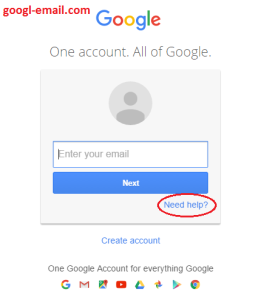
If you forget your password Gmail, Google offers several options to recover. If you have assigned a phone number or alternate email address to your account, Google can quickly reset the password. If you do not have any alternate mail, Google can try to verify your identity and reclaim your account; for your password in this way it is important that you have a cell phone. Besides this there are 2 things you can do to recover or never forget Gmail password.
Way 1 :
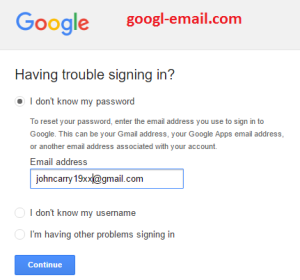
Go to Google’s Account Recovery page and select “I don’t know my password” . Then enter your Gmail email address and click on Continue:
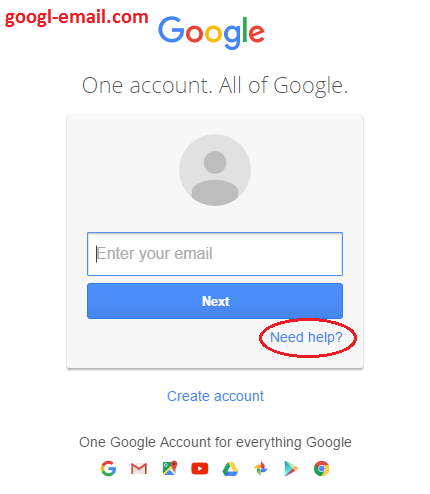

If you’ve previously linked your phone number to your account, you can use it to retrieve a verification code by SMS, or you can click on Verify your identity and answer to the security questions.
Note:
If it is the most recent password, you should be able to use it for login. If a password is older, you can use it to help recover it.
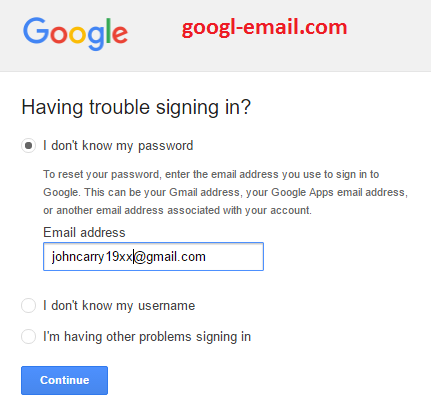

You can use other ways to stop trying to recover that important password.
N.B. If you have not accessed your account for 30 days or more, Gmail may have considered your account as abandoned and may have deleted it from the server. In this case, account recovery is impossible.
Way 2 : Use WebBrowserPassView
This program will scan your web browsers to store login information. You may be able to recover the password in this way. Some security software programs may consider Web Browser Pass View malicious, because when recovering passwords stored in the system, your antivirus programs my inform which one is infected with a Trojan or virus. Be aware that this DDE application can cause hoaxes, so no problem, you can run the program. There is no need to install WebBrowserPassView. As soon as you run the program,it will scan all your installed browsers and save your usernames and passwords on the websites you visited.