Listed above are the best features of gmail, there are much more to try. Let the gmail login start, just follow the easy steps illustrated below.


- Open the browser Google Chrome or any browser

- Type “www.gmail.com” or “mail.google.com” here.

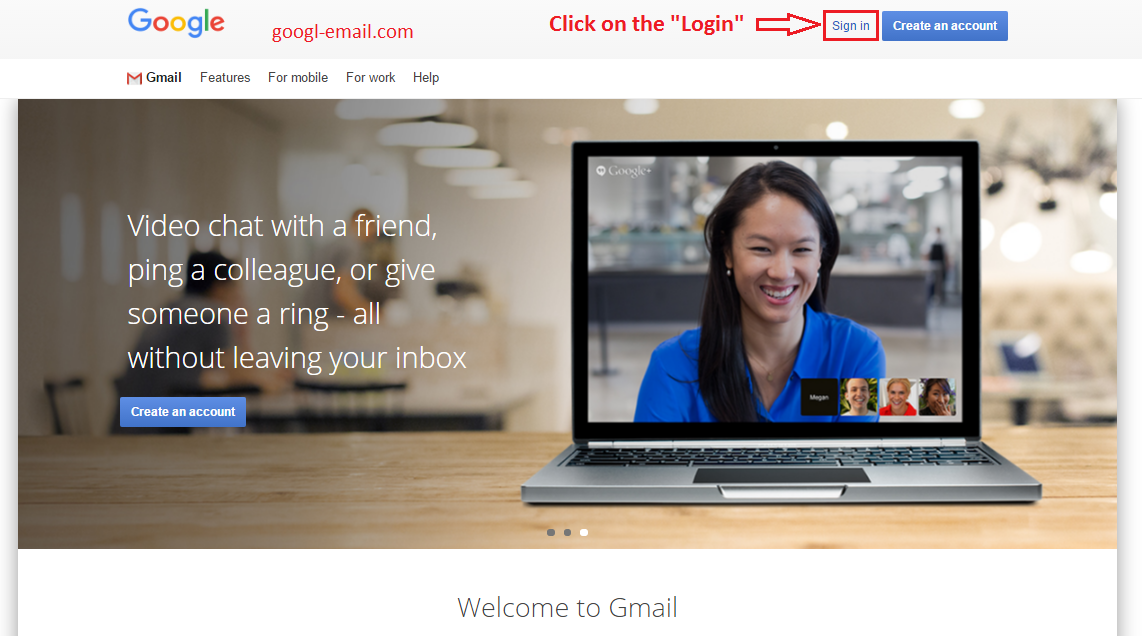
- Click on the “Login”
- Enter your ID email here
- Click the button NEXT to enter the password
- Enter your password here.
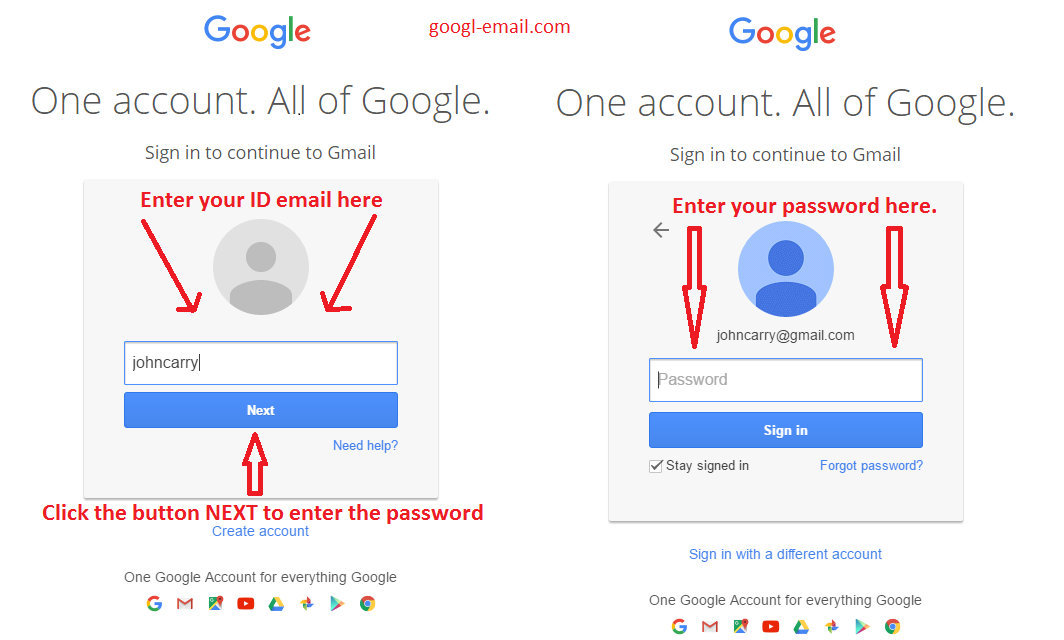
- Click on Login button.


It is done. If your credential data (email id and password) are correct, now you could be able to check your inbox Gmail for new mail.